
i3D
AI 3D relief generator. Turn a photo, logo, sketch, or text prompt into a CNC-ready 3D relief mesh and export it as STL or GLB—no 3D modelling skills needed.
Overview
image · text → relief
- Image-to-relief from photos, logos, and sketches
- Text-to-relief straight from a written prompt
- Control relief depth and base thickness
- Export STL or GLB, ready for MillX toolpaths
Visuals are illustrative. Results depend on the input image and settings.
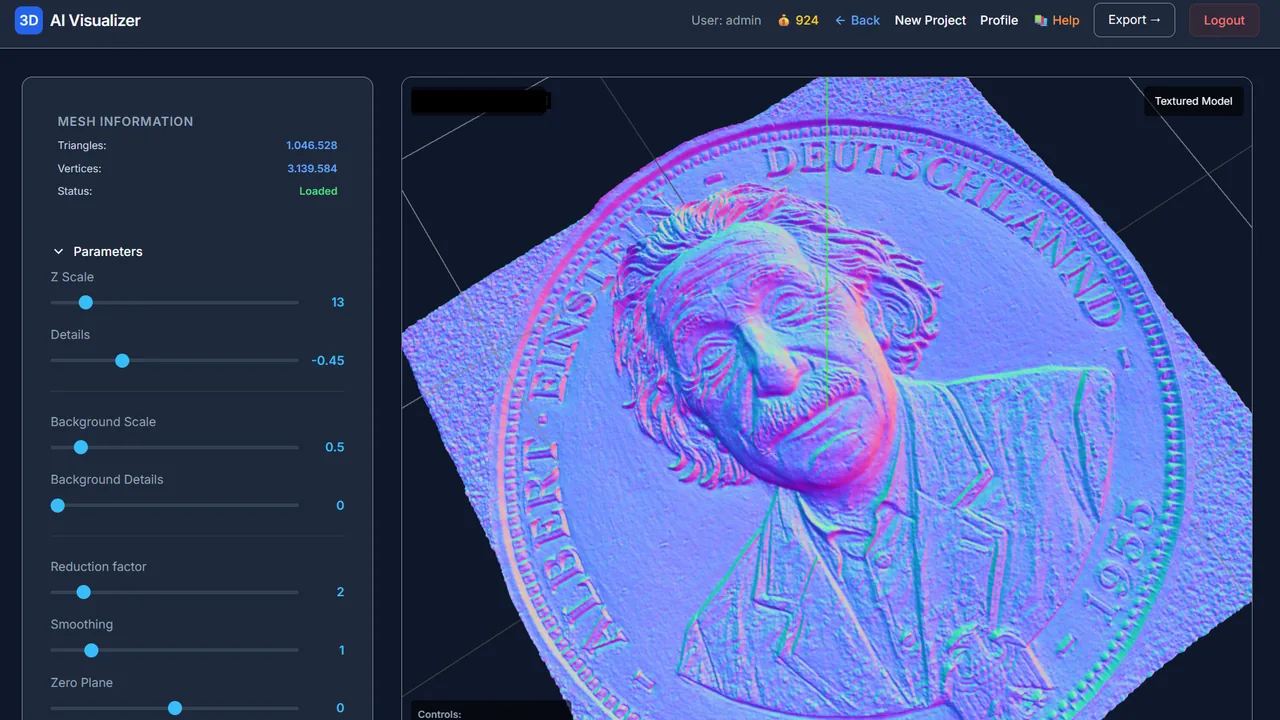
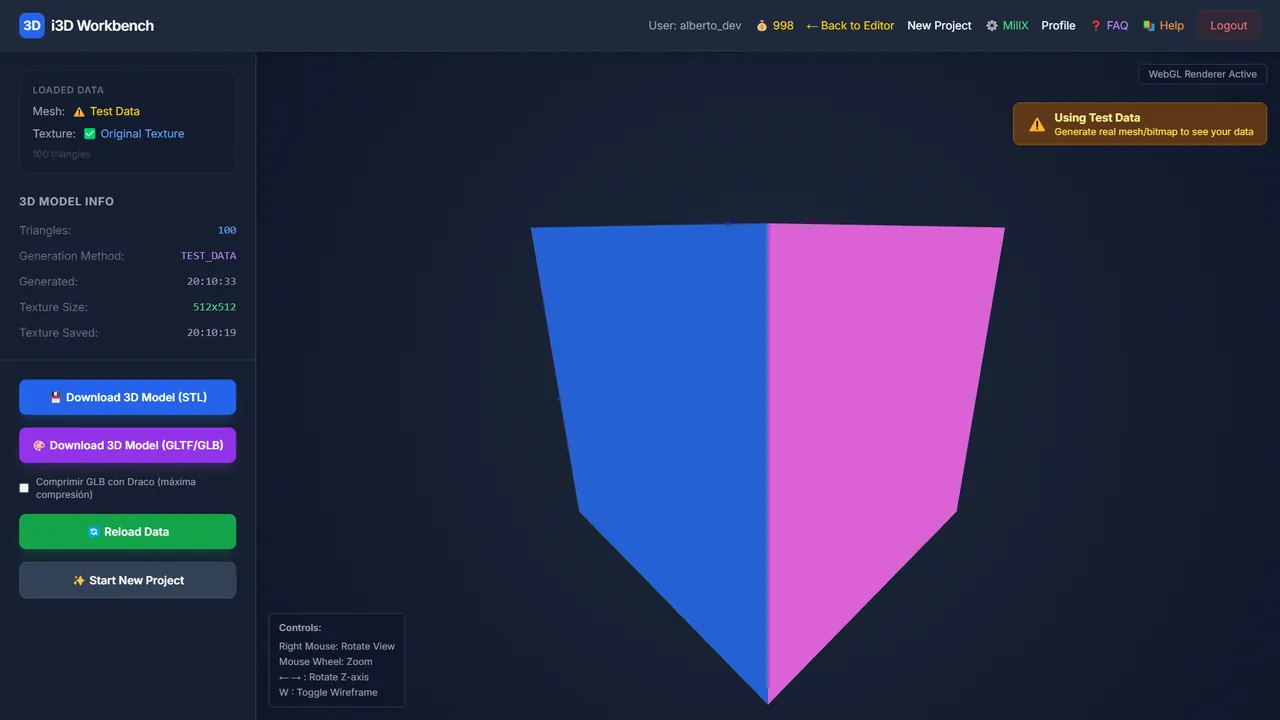
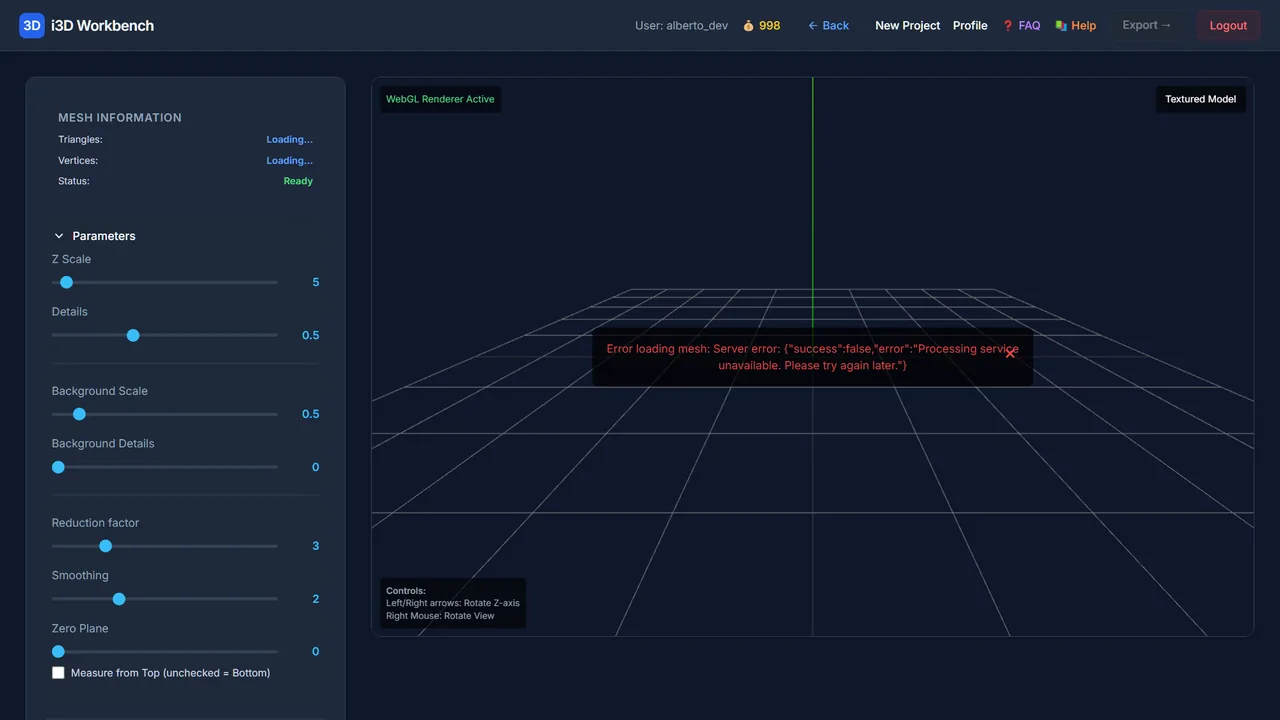
Inside i3D: two tools of the i3D Workbench
i3D combines Generate with AI and Bitmap to 3D.
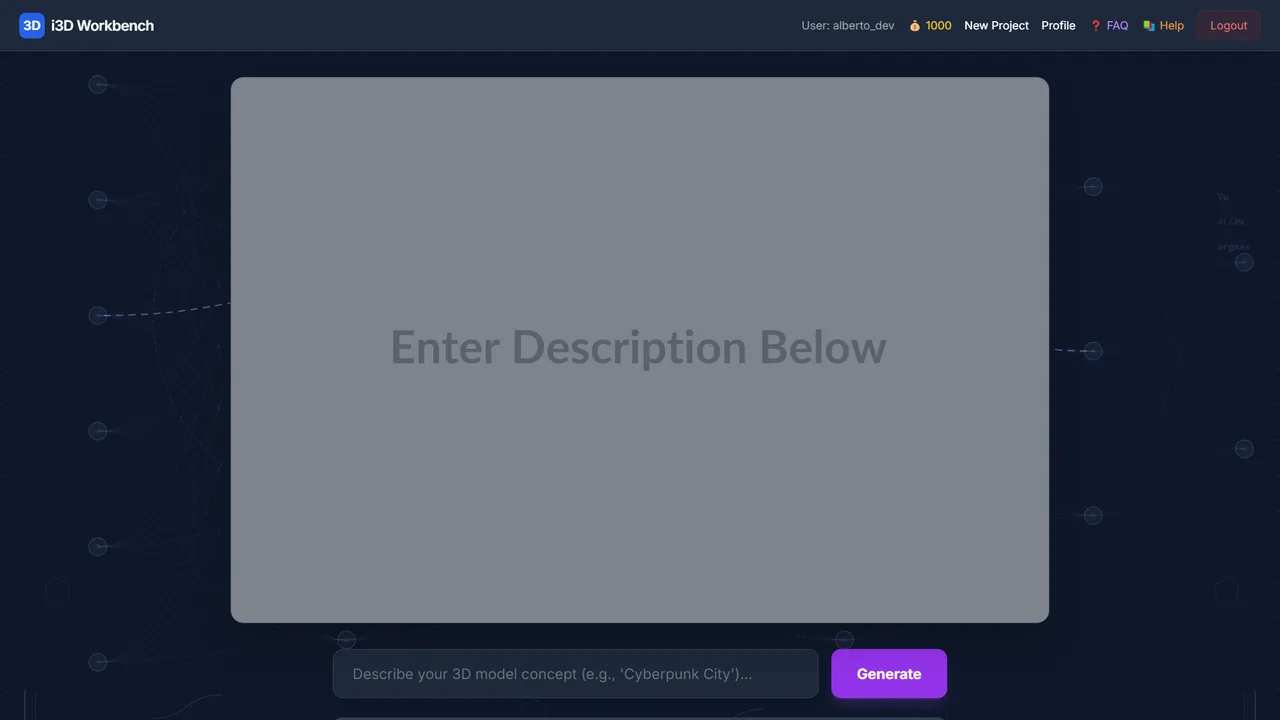
| Inputs | Text prompt (AI, 256×256–1024×1024) or BMP / PNG / JPG up to 300 MB |
|---|---|
| Relief controls | Z Scale 1–50 · Details 0–5 · Background scale/details 0–5 · Reduction 0–10 · Smoothing 0–5 · Zero Plane 0–5 · X/Y/Z Bezier correction curves · invert |
| Clipping | Rectangle, circle (medallions, coins) or pixel selection |
| Materials | Gray, Metal, Gold, Chrome, Glass… with light intensity, roughness, metalness |
| Export | Binary STL (CNC, 3D printing) · GLTF/GLB (viewers, web) |
| Next step | MillX for milling or LaserArt3D for laser engraving |