
Generate with AI Available
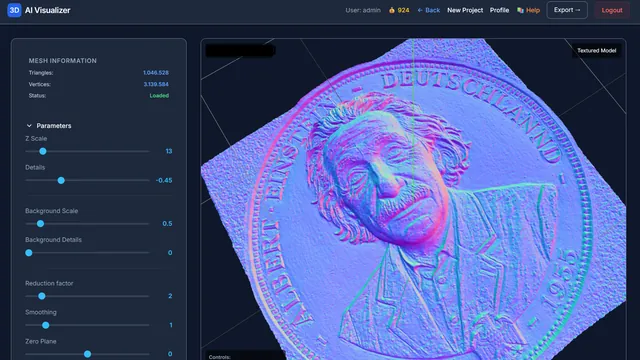
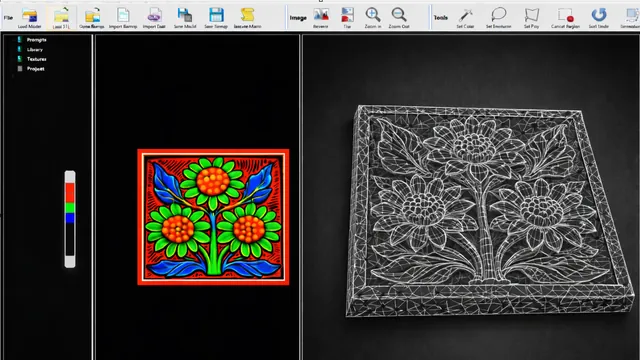
Create a 2D image from a text description using AI, then convert it to a 3D relief.
- Text prompt
- 256–1024 px
- → 3D relief
i3D Workbench · v2026.10
i3D Workbench is a browser-based suite of digital fabrication tools — from AI image generation and 3D relief modeling to laser engraving, tangential knife cutting and CNC milling toolpath generation. All heavy computation runs on a high-performance C++ backend; the browser only has to display the results.
The i3D Workbench groups its tools in two families: Input tools create or import geometry (AI images, image-to-relief, probe scans, G-code viewing, vectors, food molds) and CAM tools turn it into machine toolpaths (3-axis milling, laser engraving from images or 3D models, tangential-knife cutting). Every tool runs in the browser, uses standard files (STL, GLTF/GLB, SVG, PLT/HPGL, G-code) and is paid per use with credits.
From a text prompt, a photo, a probe scan or a drawing to a 3D mesh or a clean vector file.
Create a 2D image from a text description using AI, then convert it to a 3D relief.
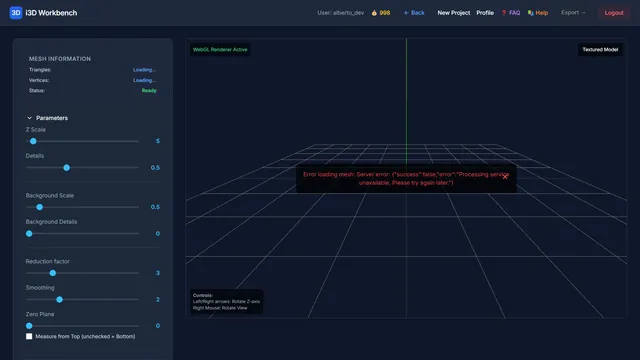
Upload a BMP or PNG image and convert brightness variations to a 3D relief mesh.

Import digitizer / probe scan files and convert them to a 3D mesh.
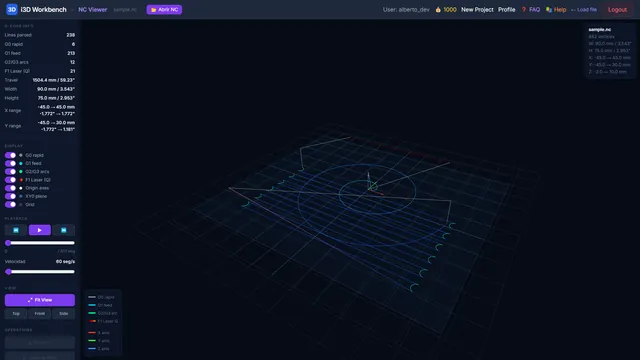
Visualize G-code toolpaths in 3D before sending them to a machine.
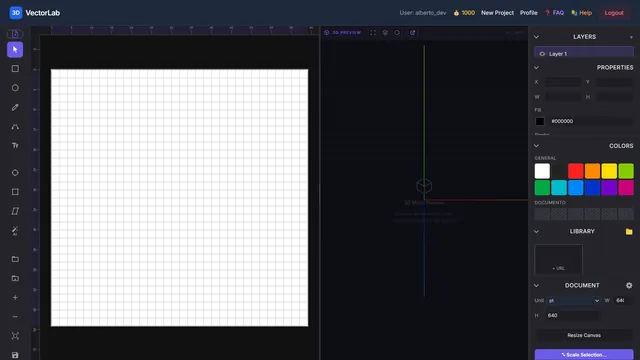
SVG vector editor with pan/zoom, shape tools, bitmap import and PLT export.
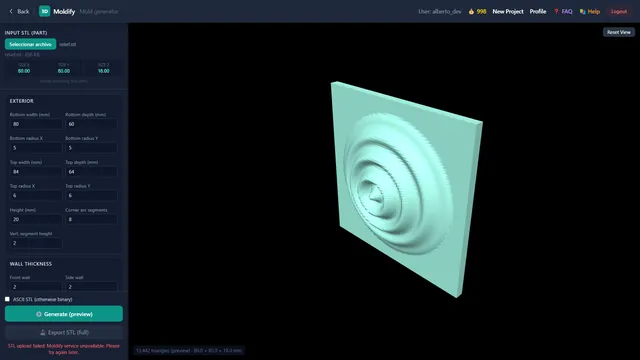
Parametric generator of safe, 3D-printable food molds — ice, chocolate, cookies and more.
Milling, laser engraving and knife cutting, exported through editable post-processors.
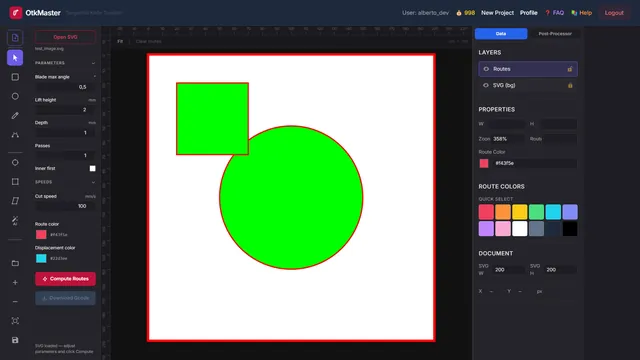
Tangential knife toolpath generator — computes optimized cut paths from SVG contours.
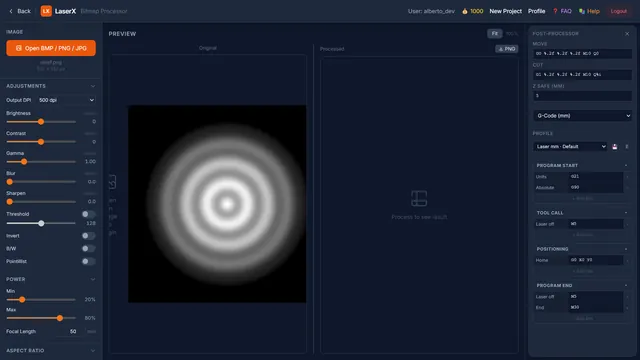
Bitmap processor for laser engraving — adjust image, set power and aspect ratio, export as laser toolpath.
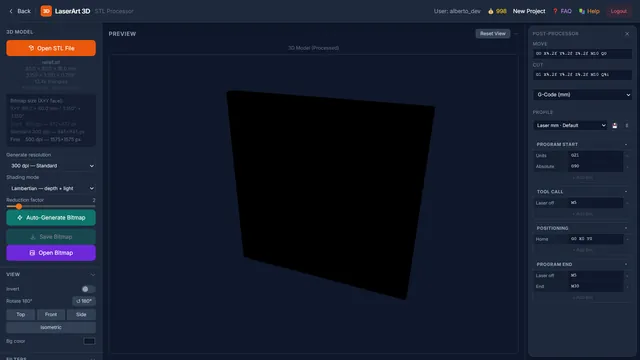
STL processor — render a 3D surface to a bitmap, then generate a laser engraving toolpath from it.
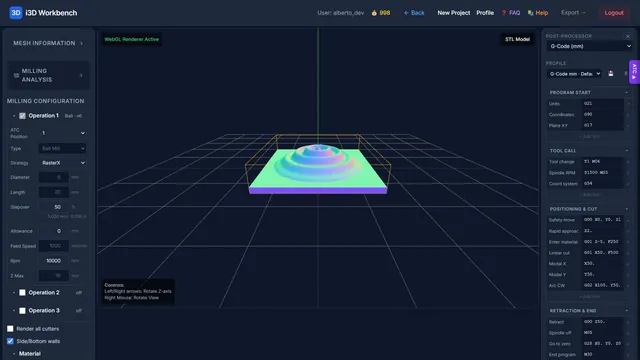
Upload an STL file and compute CNC milling toolpaths with configurable cutters.
Product bundles built on the same platform.